Home Automation 101: Smart Electrical Upgrades Explained
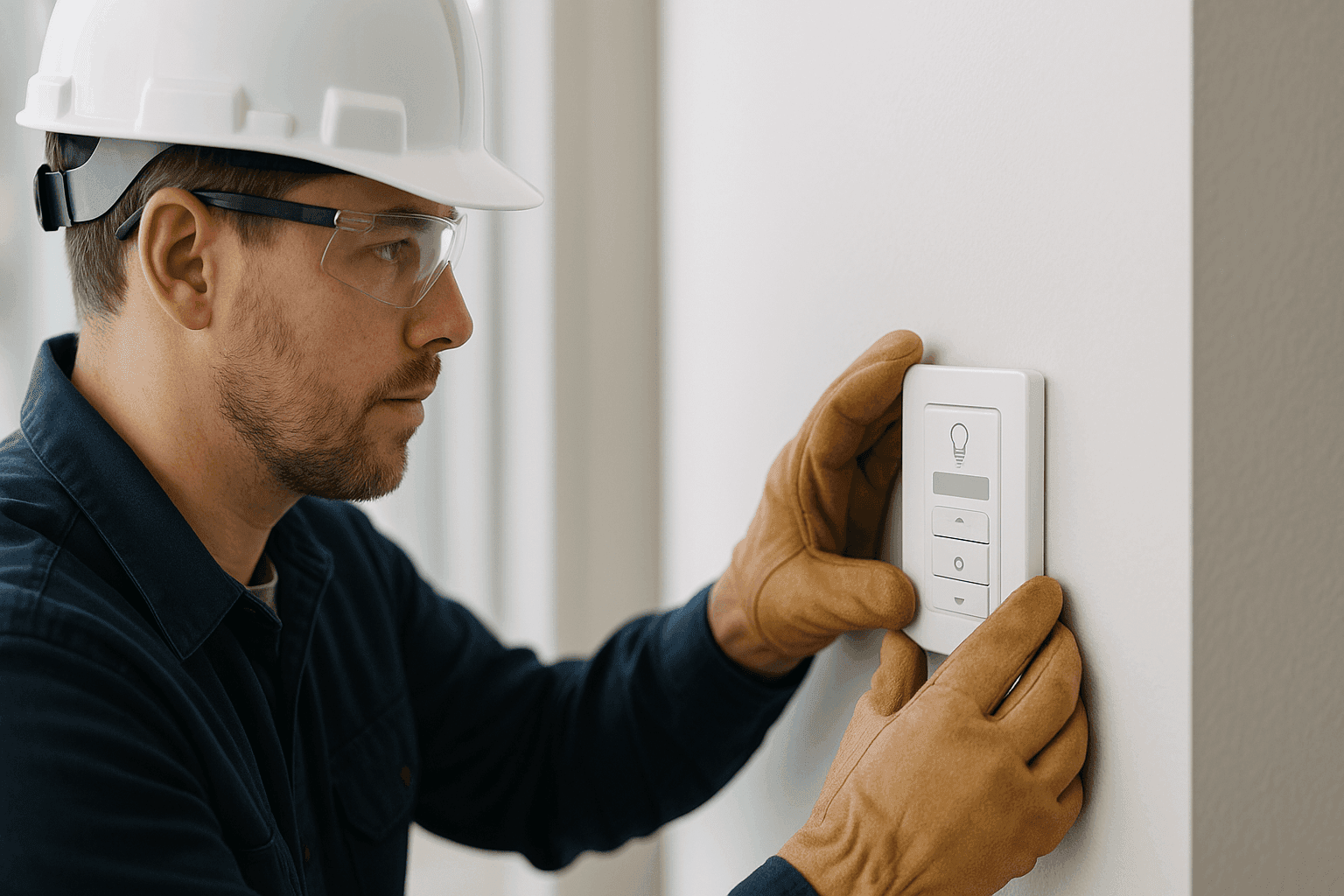
Are you curious about turning your home into a “smart home,” but not sure where to begin? Maybe you’ve seen neighbors controlling their lights with a voice command or checking security cameras from their phone. The idea is exciting—yet the process can seem overwhelming.
At K Kaiser Electric, we work with homeowners and businesses every day to bring smart technology to life. Our certified electricians simplify the journey, ensuring every upgrade is safe, reliable, and tailored to your needs.
What Is Home Automation? A Simple Overview
Think of home automation as giving your house a brain. It connects devices like lights, thermostats, security cameras, smoke detectors—even your doorbell—so they can communicate and work together. You control them with your phone, a remote, or sometimes just your voice.
Common home automation systems include:
- Lighting controls (dimmers, smart bulbs, schedules)
- Security systems (cameras, motion sensors, alarms)
- Smart thermostats (learning your routine, saving energy)
- Appliance controls (coffee makers, washing machines)
- Doorbells & intercoms (video calls, access control)
- Smoke and carbon monoxide detectors (alerts, integration with alarms)
- EV chargers and power management (for electric vehicles and backup generators)
Every smart device needs power and a way to communicate—whether that’s over traditional wiring, Wi-Fi, or low-voltage cabling. That’s where a licensed electrician and modern electrical system design come in.
Why Upgrade? The Real Benefits of Smart Systems ⚡
Home automation isn’t just about gadgets. It’s about real advantages you’ll feel every day:
- Energy Savings: Smart thermostats and lighting systems adjust automatically, trimming your bills and shrinking your carbon footprint.
- Convenience: Forgot to turn off the lights? Handle it from anywhere on your phone. Set routines or schedules so your home runs itself.
- Security: Get instant alerts if motion is detected. See who’s at the door without getting up. Integrate smoke and carbon monoxide detectors for whole-home safety.
- Future-Proofing: As homes get smarter, these upgrades can make your property more appealing and valuable.
How Smart Devices Connect with Your Home’s Wiring
Modern automation systems are like new roads built on top of your city’s original map. Some use your existing electrical wiring (like smart switches and outlets). Others need new low-voltage cables, data lines, or Wi-Fi networks.
If your home is older, it might need rewiring or updated panels and breakers. Our team at K Kaiser Electric often sees homes where DIY wiring or outdated panels can block smart upgrades—or worse, create hazards.
Safety First: What to Check Before Upgrading
- Is your electrical panel up to date?
- Are all outlets and switches grounded?
- Any buzzing, flickering, or tripped breakers?
- Does your smoke and carbon monoxide detection system meet current codes?
- Are there loose wires, open junction boxes, or DIY “fixes” behind the walls?
The National Electrical Code (NEC) outlines clear safety standards. Upgrades aren’t just about convenience—they’re about protecting your home and everyone in it.
Installation Tips: What to Consider
- Start with a plan. List the devices you want, and how you’ll use them.
- Prioritize rooms or systems that matter most (security, lighting, climate).
- Check if your Wi-Fi or data cabling is strong enough for new devices.
- Consult a licensed electrician for panel, circuit, and wiring checks.
- Understand that some projects (like EV chargers or high-voltage appliances) may require permits or code upgrades.
DIY vs. Hiring a Professional Electrician
Sure, some “plug and play” smart gadgets are made for easy installation. But many require electrical work behind the walls, connecting to panels or rewiring circuits. Mistakes can lead to short circuits, fire risks, or voided warranties.
Professional electricians:
- Assess existing wiring and power loads
- Guarantee code-compliant installation
- Integrate devices with backup generators, surge protection, and safety systems
- Troubleshoot issues before they become headaches
If you want your smart home to run smoothly—and stay safe—call in a pro.
The Value of Professional Assessment
When you invite an electrician from K Kaiser Electric into your home or business, here’s what typically happens:
- We inspect your existing electrical systems (panels, circuits, outlets, wiring)
- Review your automation wish list and suggest practical solutions
- Address any code or safety issues on the spot
- Plan out wiring, breaker, and network needs for seamless integration
- Handle permits and ensure everything passes inspection
We bring experience with motor control systems, data cabling, low and high-voltage wiring, and the latest automation tech.
Future-Proofing and Electrical Safety
Technology moves fast. The outlets and circuits that work for today’s smart lights might not handle tomorrow’s appliances or EV chargers. That’s why we recommend:
- Upgrading electrical panels for new loads
- Adding surge protection for sensitive electronics
- Installing extra data cabling for future devices
- Scheduling regular safety inspections (per local code and NEC guidelines)
A safe, flexible system today means less hassle—and expense—down the road.
Practical Maintenance Tips
- Test smoke and carbon monoxide detectors monthly
- Keep panels and breakers labeled and accessible
- Watch for signs of overload (warm outlets, flickering lights)
- Schedule annual electrical safety inspections
Costs & Time Factors
- Simple upgrades (smart switches, thermostats) can be done in an afternoon.
- Whole-home rewiring or panel upgrades? Expect more time—sometimes a few days.
- Costs vary based on your home’s age, wiring condition, and the complexity of automation.
- Factor in the price of devices, professional labor, and any permits.
A good electrician will give you a clear, up-front estimate after an assessment. No surprises.
Emergency? When to Act Fast
- Burning smells, sparking outlets, or tripped breakers that won’t reset
- Smoke detector or carbon monoxide alarm goes off
- Flooding or water near electrical panels or wiring
- Power loss in critical areas (medical devices, security systems)
In these moments, don’t wait. Call a licensed electrician for emergency service. Your safety comes first.
Frequently Asked Questions
Do I need to upgrade my whole house to use smart devices?
No. You can start small, with just one room or system—then expand as you like.
Can smart systems work in older homes?
Yes, but some may need new wiring, upgraded breakers, or additional circuits for safety.
Will my smart devices still work during a power outage?
Some (like security systems or smoke detectors) have battery backups. For bigger systems, consider a backup generator.
Are there code requirements for smart home upgrades?
Absolutely. Electrical codes (like the NEC) help ensure all upgrades are safe and reliable. That’s why licensed electricians are essential.
Local and Seasonal Considerations 🌦️
Here’s what we see as seasons change:
- Storms and surges can threaten smart devices—surge protection is a must.
- Winter? Smart thermostats and generators are lifesavers.
- Summer brings more pool and spa wiring projects, plus outdoor lighting upgrades.
- Building a new home or renovating? Plan for automation early—running wiring before walls go up saves money and time.
Ready to Start? Here’s How
Smart homes aren’t a distant dream—they’re here now. With the right planning and a certified electrician, your home or business can be safer, more comfortable, and ready for the future.
Call K Kaiser Electric now — or reach us anytime at 844-491-1445 .